
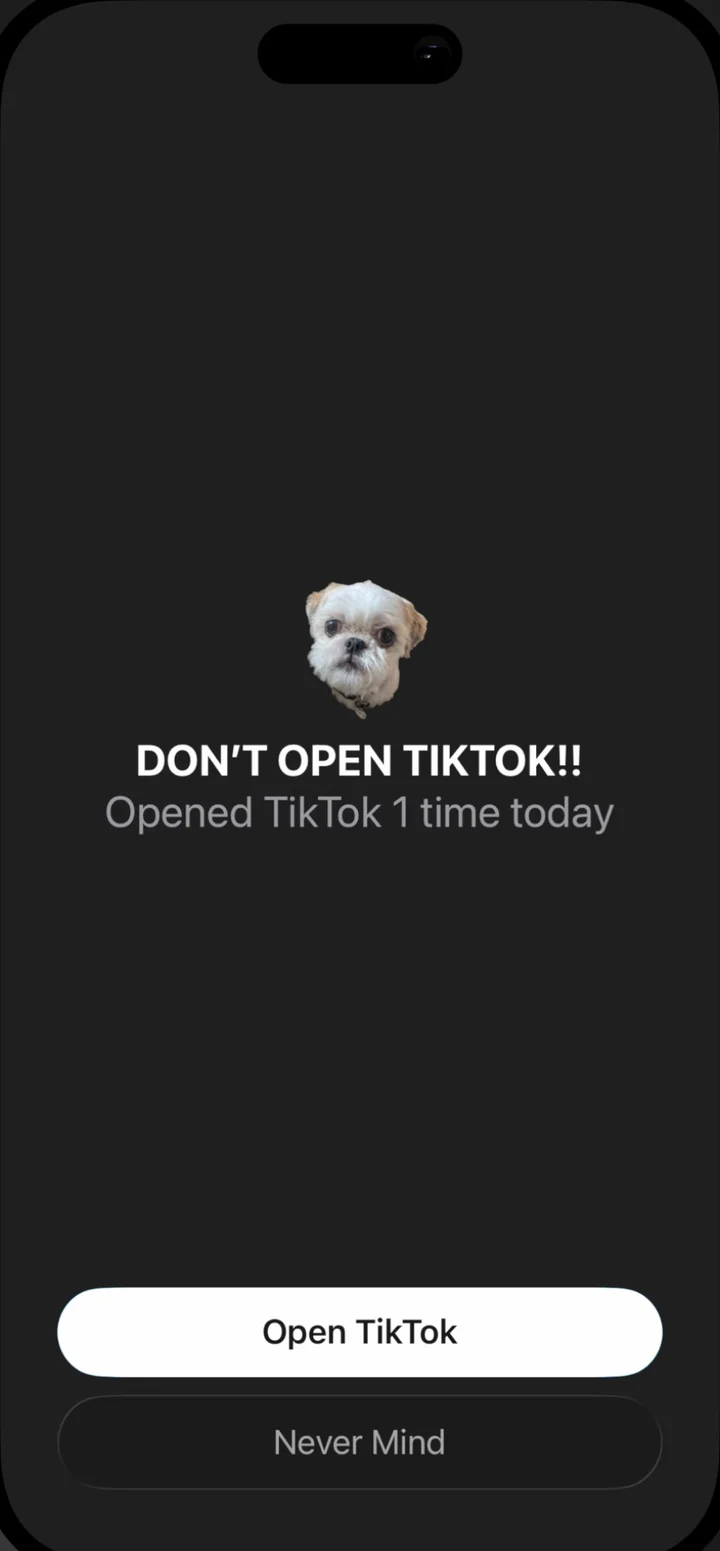
Custom block screensPro
Open a blocked app and see your own photo and message instead of a feed.
Intelligent Focus & App Blocker: Nudge detects when you get distracted.


Open a blocked app and see your own photo and message instead of a feed.
The more you use distracting apps, the bigger the friction to access.

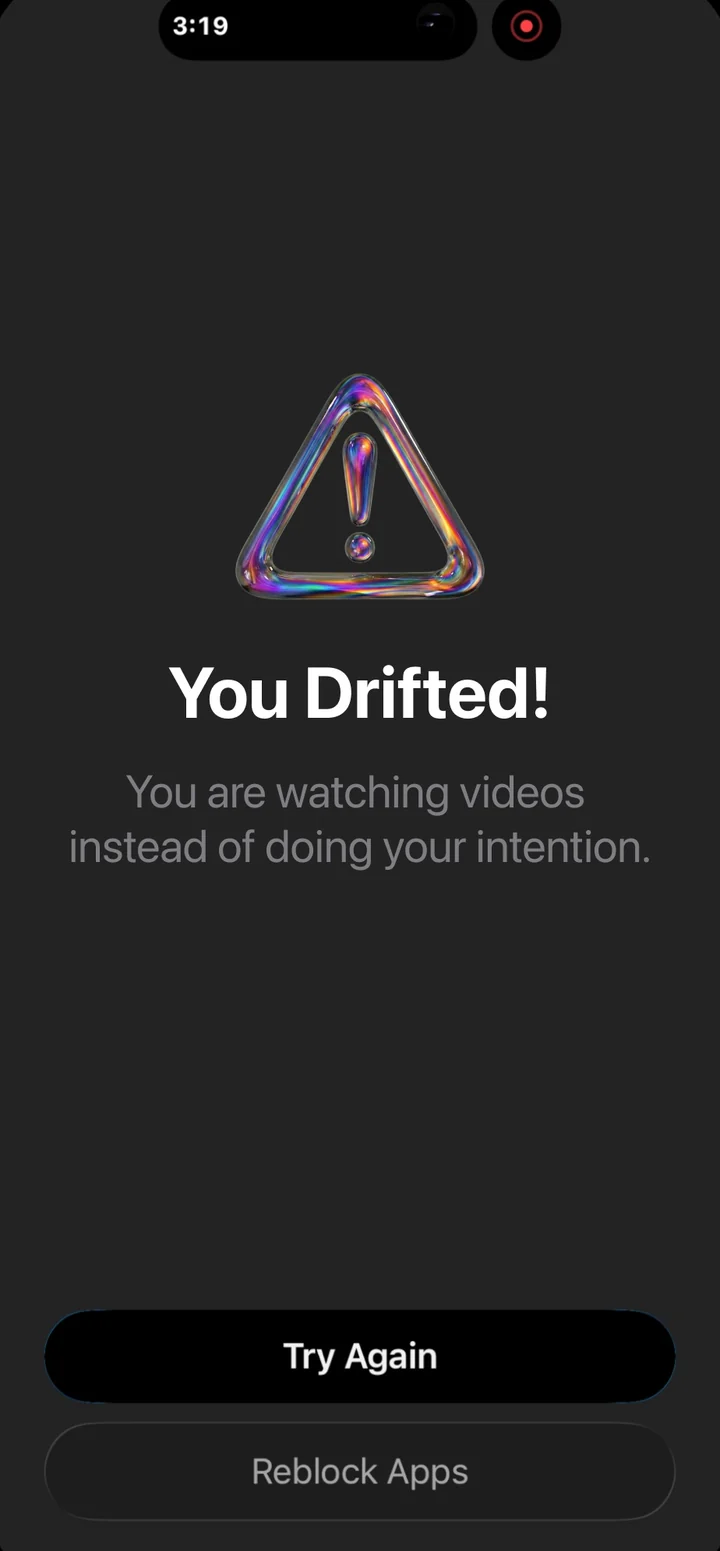
AI detects when you're distracted from your stated goal. Get a gentle nudge to get back on track.
Pick how much friction stands between you and each unlock.
Medium: the wait for each unlock today. Resets at midnight.
Nudge blocks each app's website too, plus any site you add.
Set time limits for each time you use an app. Simple, effective, no AI.
AI detects when you're distracted from your stated goal. Get a gentle nudge to get back on track. No willpower required.
See how your week went, right in Settings.
Some numbers need Pro features, like Task Mode and waiting rooms.
4.8 out of 5 from 52 ratings.
"I tried the other app blockers and this is the only one that actually helped me change my relationship with social media. I can still use my apps but I do it intentionally now and I feel so much better"
"The Nudge app WORKS! It naturally fits into how I use my phone and I no longer watch hours of reels and I'm pursuing things that I love again."
"I use Nudge all day long and it's honestly become essential for me. Task mode is amazing… being clear about what I'm actually opening the app for and having it keep me on track is such a simple idea but it works so well."
"I've used the other apps for years and they never really worked. I barely am on IG any more."
"Already saved SO much time using this! I've tried other apps and nothing has been this effective at keeping me on track when I have to use socials."
"As someone who uses social media for my career, it's tough to turn dial off when I find myself doom scrolling…until I found this app."
 Emergency PassUnblock all apps for the rest of today. You can use it once per week.
 SchedulesProUnblock apps or run Hard Mode during specific hours.
This is Nudge: Focus & App Blocker, an iPhone app by BERG LLC. It isn't the Mac app "Nudge Focus" (nudgefocus.app) or any other app called Nudge. More on that.
Yes. Nudge is free to download, and Timer Mode is free: it locks the apps and websites you pick and re-locks them when your time is up. Nudge Pro adds waiting rooms, Task Mode, schedules, check-ins and custom block screens. See what's free and what's Pro.
No iPhone app can delete the Reels tab inside Instagram. Nudge's Task Mode does the next best thing: you say you're there to check your DMs, and if you drift into Reels, it notices and nudges you back. How it works.
Only in Task Mode, and only while a session is running. Your screen is not stored. Not by Nudge. Not by Google. Timer Mode never looks at your screen. Read how it works.
Not yet. Nudge is iPhone only and needs iOS 17.6 or later.
iPhone, iOS 17.6 or later.